StillToReel team5 min read
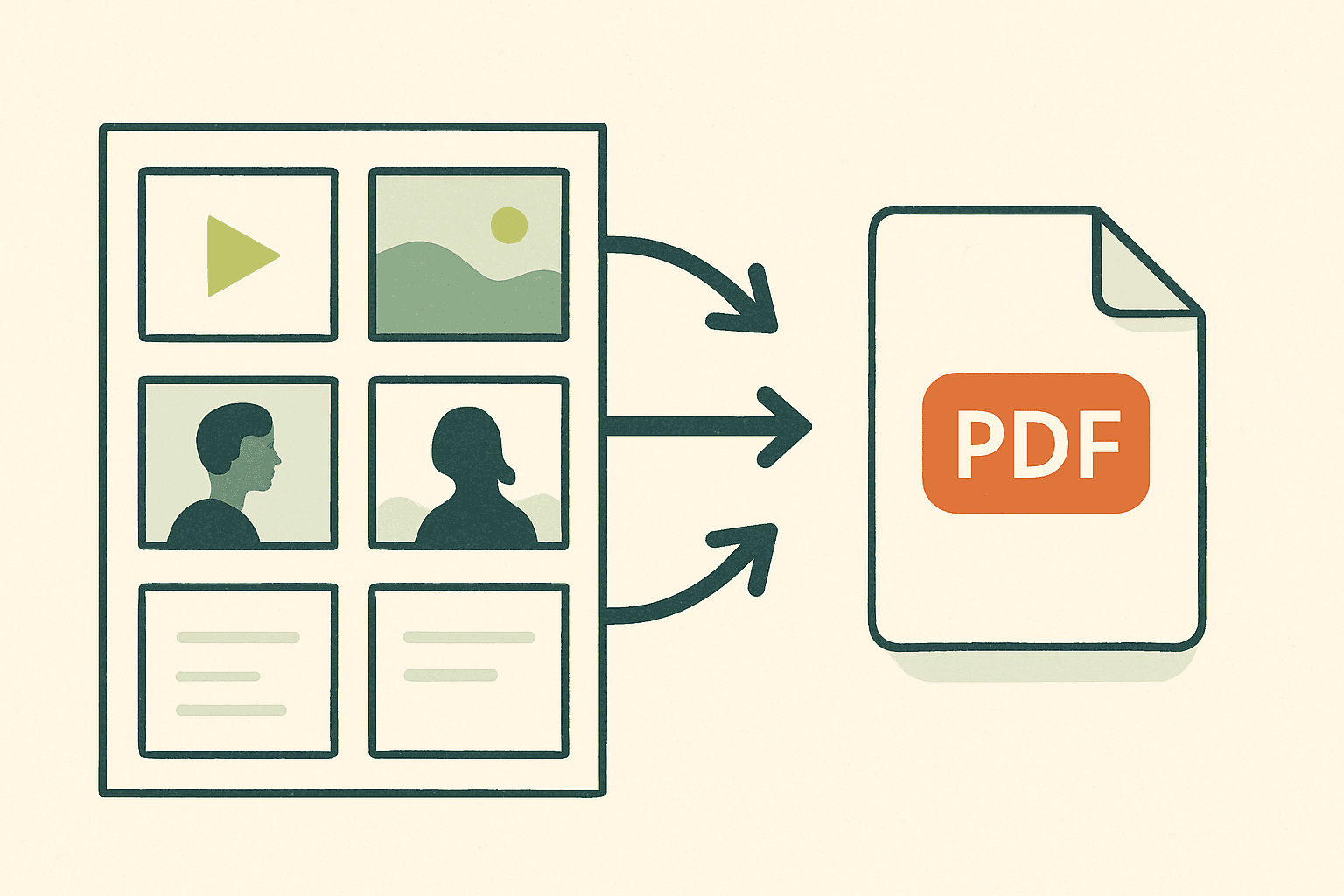
To plan your Instagram Reel before filming, break your creative vision into five tactical steps: clarify your goal, outline your story, organize shots, prepare your assets, and finalize production details. This approach helps social media managers and video creators minimize wasted time, cut down on retakes, and consistently deliver scroll-stopping short-form content.
Why Plan Your Reel Before Filming?
Jumping straight into Reels filming can lead to missed ideas, unnecessary takes, and team confusion—especially if clients or brands are involved. Taking time to plan your Reel before filming means you’ll catch weak points early, align with stakeholders, and ensure you capture every scene you need the first time. Whether you use paper, a spreadsheet, or a dedicated pre-production platform, planning lets you:
Visualize the full sequence before you start shooting
Share your plan with teammates or clients for feedback
Spot gaps in your story, pacing, or transitions while there’s still time to fix them
For SMM studios and freelance content teams juggling multiple projects, clear pre-production workflows are crucial. Shot-by-shot boards and team comments can streamline feedback so everyone stays in sync.
Step 1: Define Your Reel’s Goal and Message
Start by asking yourself: What do I want viewers to think, feel, or do after watching this Reel? The sharper your objective, the easier every creative decision will be. Goals might include:
Promoting a product drop to drive sales
Highlighting brand values or behind-the-scenes culture
Kicking off a hashtag challenge or user-generated content campaign
Delivering a concise tutorial that solves a common audience pain point
Write out your core message in a single sentence. This will anchor both your script and visual approach. Social-savvy marketers keep this statement visible throughout planning, so content stays on track as the ideas evolve.
Step 2: Draft a Simple Shot List or Storyboard
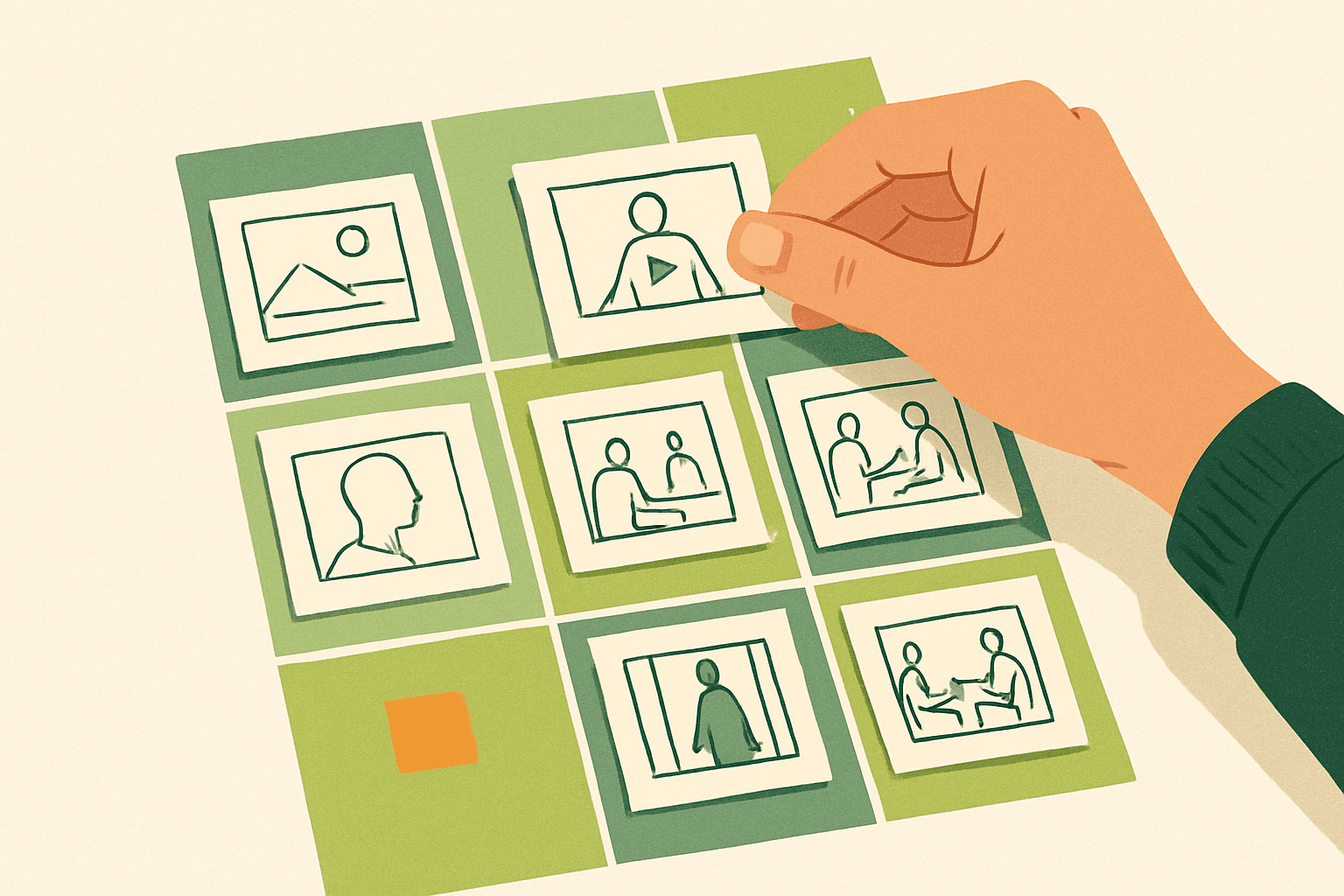
Once you’ve locked in your goal, map out the rough flow of your Reel. This doesn’t require art skills or expensive tools—the aim is to match key beats to visuals. For most Instagram Reels, a practical storyboard (or simple shot list) covers:
Opening hook (what grabs attention in the first 2 seconds)
Main content (the sequence of shots that tell your story)
Transitions (cuts, animations, or camera movements tying scenes together)
CTA or close (what viewers should do next: follow, like, comment, click link in bio, etc.)
For a quick-and-dirty Reel, jot down scene sketches or stick figures on paper—or use digital shot boards with reference images. Thumbnail sketches can be enough to communicate mood, orientation, and framing so everyone’s on the same page before filming.
Step 3: Specify Shot Notes, Durations, and Visual References
Drill down into each shot from your outline with poll position-level detail. For every scene, write notes on:
Camera angle and composition (“overhead,” “close up,” “handheld walk-through”)
Movement or action needed (e.g. “sweep across product,” “model pours coffee”)
Estimated duration for each shot (keep snippets short—1-4 seconds moves fast on Reels)
Any lip syncs, overlay text, or specific audio cues
This step uncovers risks: Will the pieces smoothly assemble into a 15- to 30-second Reel? Is there enough visual contrast for attention? Are transitions logical and the story easy to follow? If you work with a team or external client, share review boards for per-shot comments before you film to reduce costly reshoots.
Step 4: Collect and Prepare All Assets
Nothing slows down a shoot more than missing props or unprepared locations. Efficient content creators assemble every asset before filming day:
Props, products, costumes, or set pieces needed for each shot
Music or sound effects (cleared for commercial use if needed)
Reference images, sample Reels, or shot style inspiration
Text overlays, simple graphics, or logo animations
For remote teams or client-driven projects, create a shareable checklist with assigned owners. Tools that support asset organization and team roles can be a lifesaver when responsibilities shift or a last-minute stakeholder joins.
Step 5: Review, Refine & Schedule Your Reel Production
Finally, step back and test your Reel flow as a viewer. If you have digital planning tools, create a rough animatic (stills or sketches timed with your intended audio) to check pacing and sequence. Otherwise, play through the script live, timing each part to make sure the total runtime fits your Reel slot.
Confirm assignments—who will film, edit, and approve the draft. Book your location, schedule your shoot, and share content calendar placeholders with your team. When using project tools with approval workflows or content status tracking, you’ll avoid bottlenecks and last-minute surprises.
Mini-Scenario: From Concept to Camera in 48 Hours
Imagine you’re a freelance creator pitching a quick turnaround product demo Reel for a cosmetics client. You start with their key message (“Our new mascara gives bold lashes in one swipe”), then rough out a three-shot storyboard: open on the product close-up, show model application with text overlay, end with a before/after reveal and CTA. You estimate 3 seconds, 7 seconds, and 5 seconds per shot. You list props (mascara, mirror), prep graphics and music, and share the plan with your client in a collaborative workspace (including shot-specific comments). By agreeing on the flow before filming, you get approval in less than a day—and film with confidence, hitting the deadline without stress.
Tips for Faster, Smarter Reel Planning
Reuse templates: Develop shot board or shot list templates for common formats (product demo, tutorial, behind-the-scenes) to save time.
Work backward: Start with your CTA and build the Reel in reverse order for tighter storytelling.
Limit shot count: For punchy Reels, aim for 3–7 distinct shots; excess shots often dilute the core message.
Keep feedback focused: Ask reviewers to comment on clarity, flow, and brand alignment—not subjective taste.
Professional content teams script review points and approval status directly into their short-form workflows. The goal: less chaos, more confident creative.
Conclusion: Plan Before You Roll for Stronger Reels
Mastering how to plan your Instagram Reel before filming makes shoots smoother and edits faster—and keeps your team and clients in sync. Whether you build out full storyboards or swap sketches on the fly, a repeatable five-step approach ensures no essential shot is missed. For smoother team workflows, explore Reel planning platforms with asset tracking, shot boards, and instant sharing to link creative, clients, and deadlines seamlessly.